Video Anonymization Service
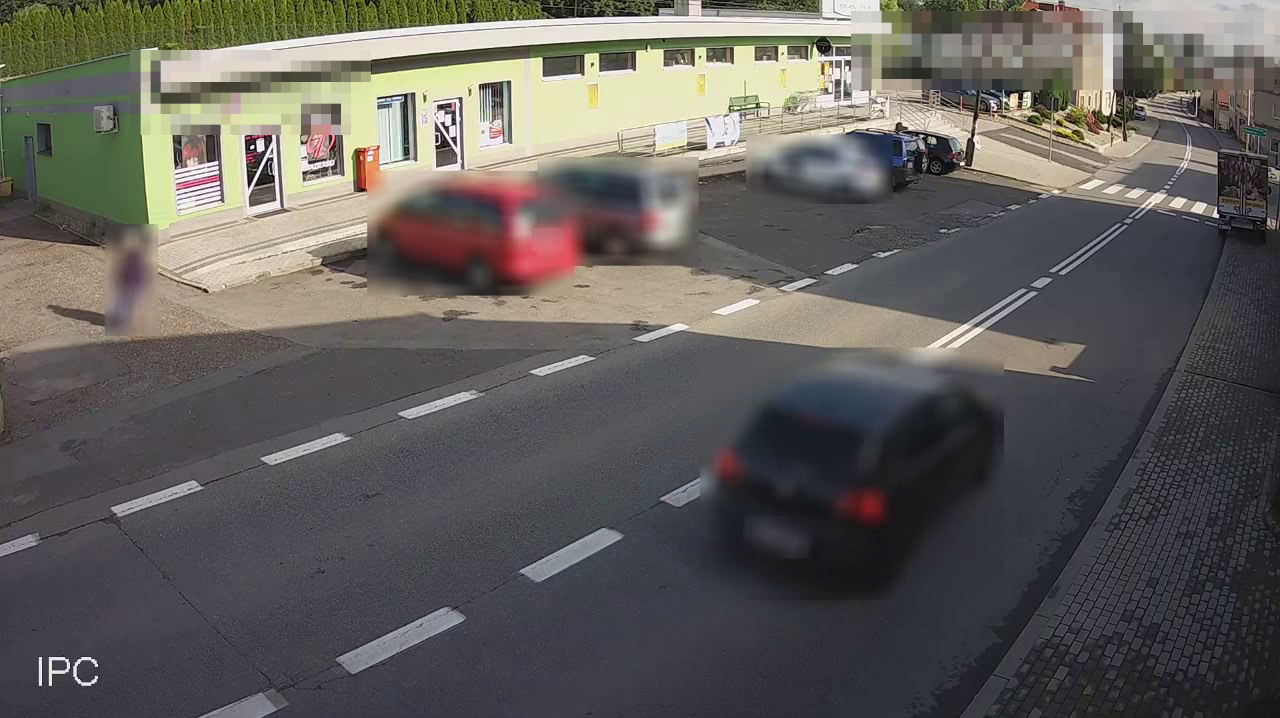
Anonymization blurs or pixelates selected objects in videos and images. It can support data protection when traffic-survey material is published or shared, but its configuration and output review must match the requirements of the specific project.
Why is anonymization required?
Many government and regulatory bodies require recordings to be anonymized before public release:
- Poland's General Directorate for National Roads and Motorways (GDDKiA) requires anonymization when publishing General Traffic Measurement (GPR) material.
- Departments of transport and road authorities in EU countries impose similar requirements.
- Private companies may need to anonymize evidence shared with third parties.
Concealing people, advertisements, and registration plates is a recurring requirement in the EU and in Poland's General Traffic Measurement, and is mandatory for road-image records.
Anonymization methods
AITracker provides two methods:
| Preview | Method | Description |
|---|---|---|
 |
Pixelate | The default and fastest method. It fully conceals the original content while retaining the general context of the scene. |
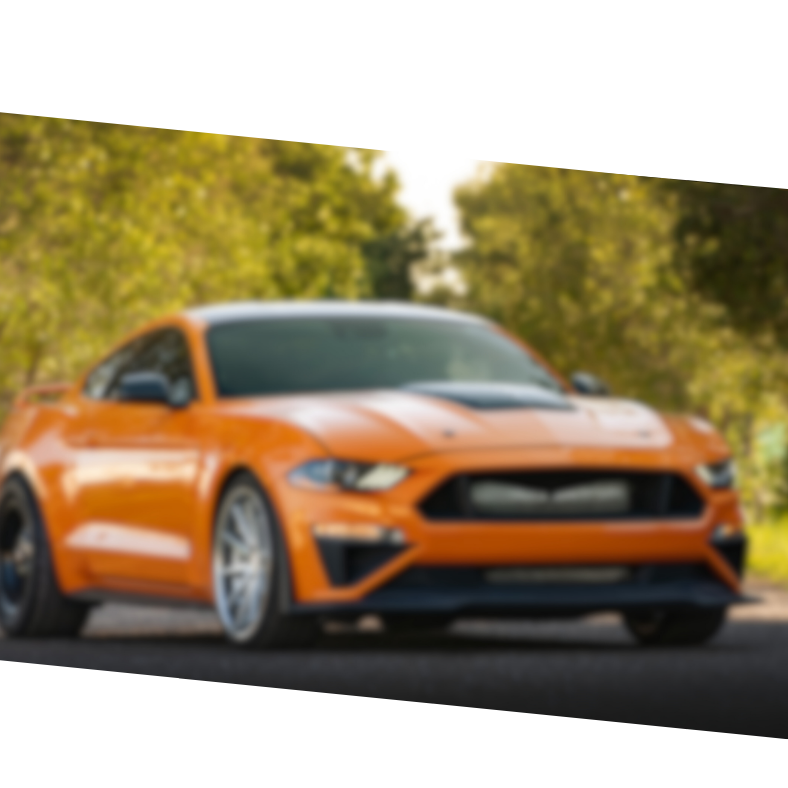 |
Blur | Produces a smoother appearance but requires slightly more processing time. |
What can be anonymized?
Choose exactly which object categories should be anonymized:
| Category | Preview | Description |
|---|---|---|
| License plates | 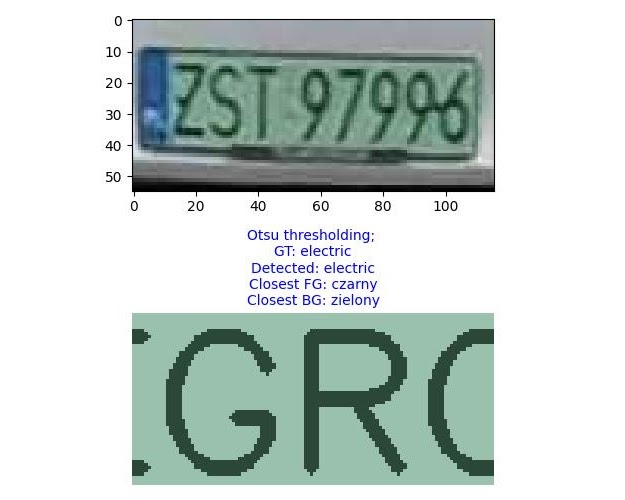 |
Completely blurs or pixelates registration text while retaining the vehicle. |
| Pedestrians and cyclists | 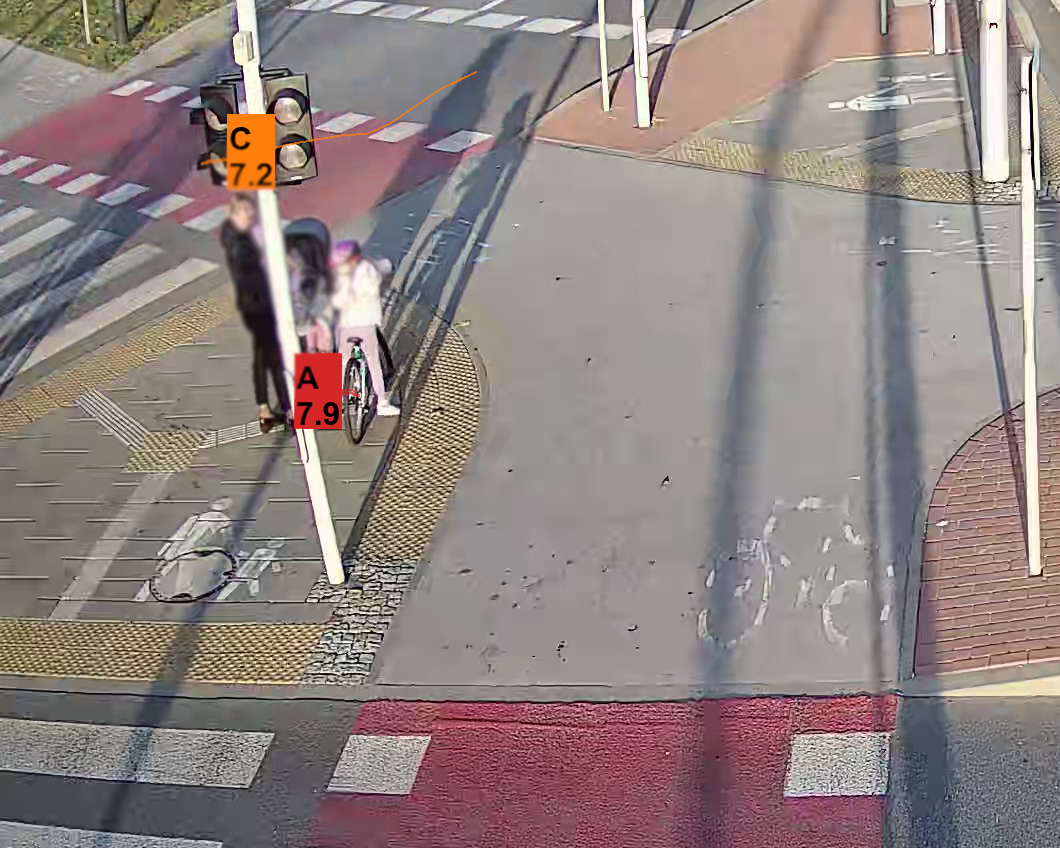 |
Anonymizes complete pedestrian and cyclist silhouettes, including faces and body shape. |
| Vehicles | 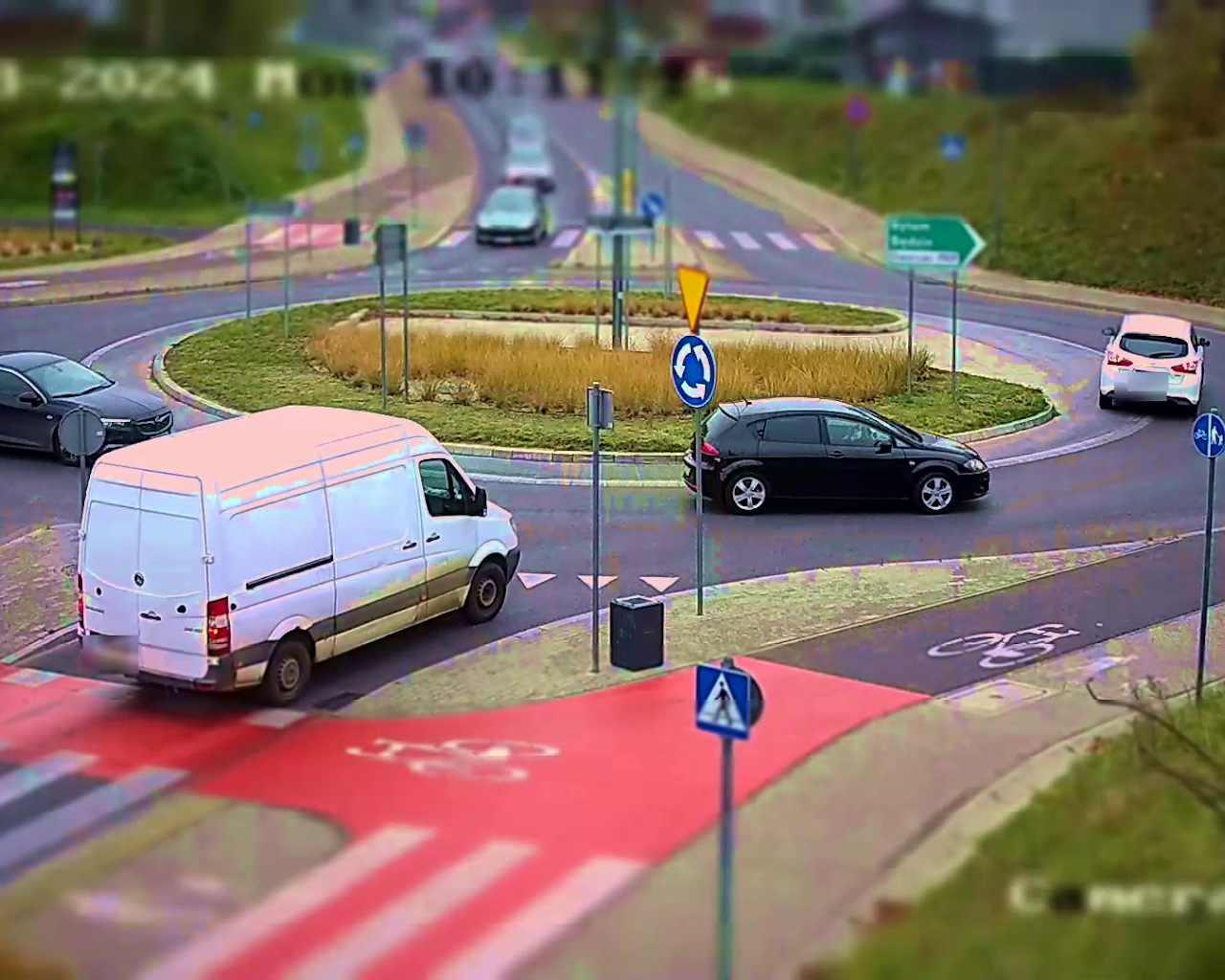 |
Anonymizes complete vehicles when the recording should focus on infrastructure rather than road users. |
Configuration in AITracker
Set the anonymization options in the scene configuration:
Anonymization:
  method: "Pixelate"  # or "Blur"
  selections:
    - License plates
    - Pedestrians and cyclists
    - Vehicles
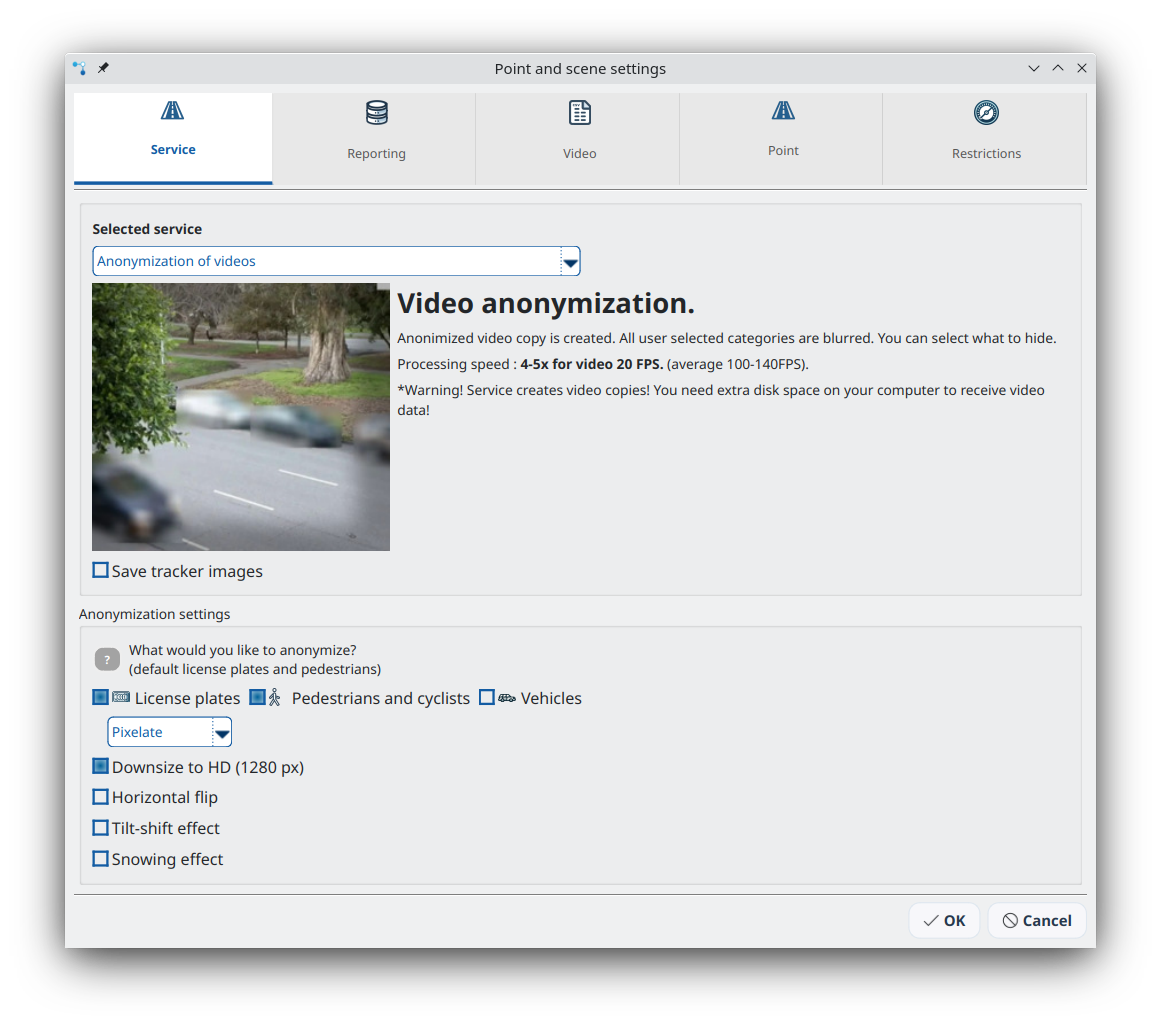
Select any combination of categories required for the project.
Additional effects
AITracker also provides visual effects that can be combined with anonymization.
Tilt-shift effect
Adds a tilt-shift effect that makes the scene resemble a small-scale model.
Snow effect
Adds falling snow. It was originally created for seasonal promotions but is available throughout the year.
Horizontal flip
Mirrors the video horizontally. This can be useful for creating variants or correcting scene orientation.
Downscaling and compression
Videos are compressed by default to reduce file size and transfer time. This optimization is applied automatically to output files.
Output format and location
Anonymized videos use the following settings:
- Codec: H.265 (HEVC) for efficient compression and quality.
- Maximum resolution: 1280 pixels on the longer edge; larger videos are downscaled automatically.
- Output location: the
ConfigurationX/results directory; numbering starts withConfiguration0/.
Combining counting with anonymization
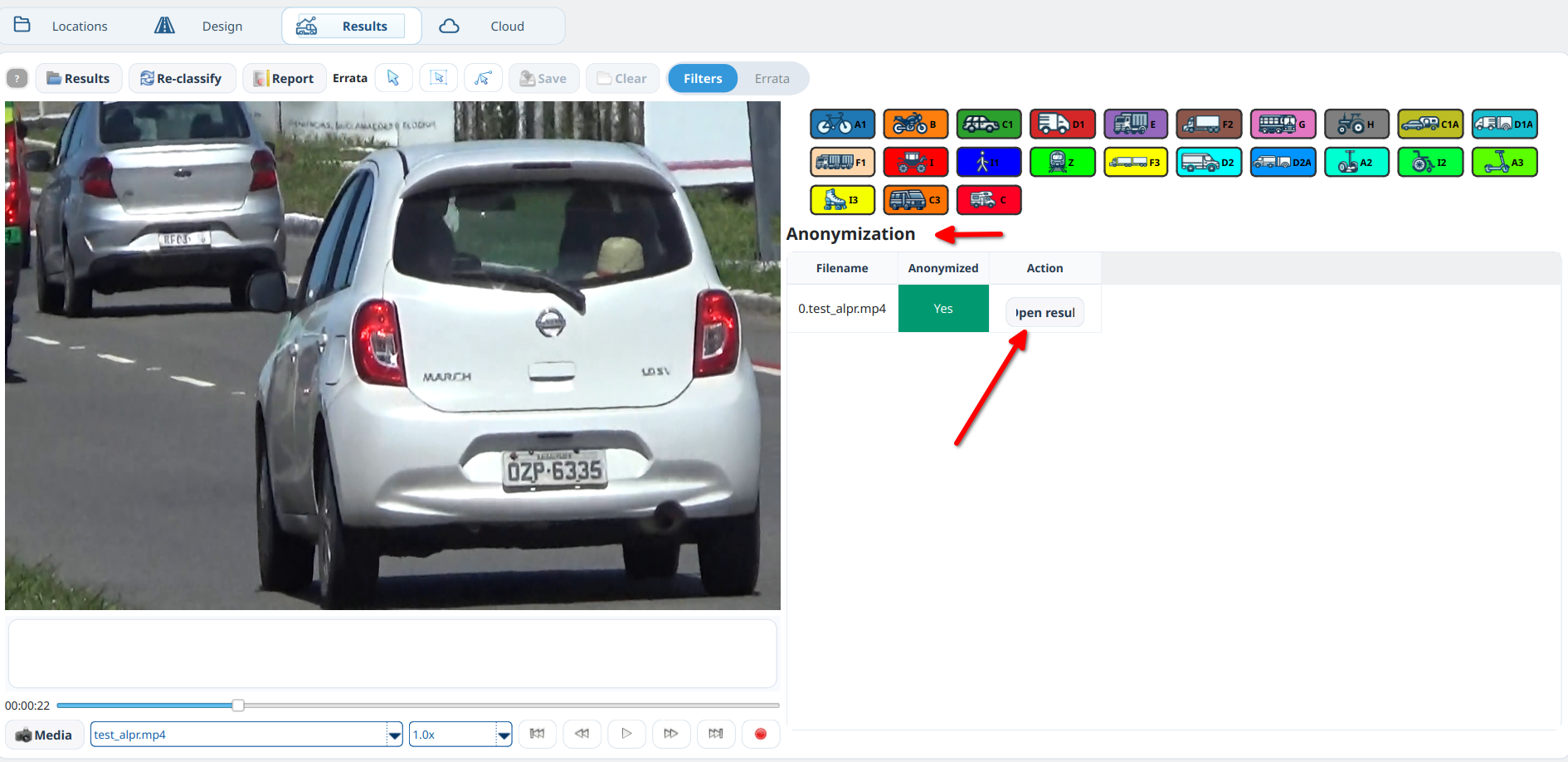
Use multiple configurations when both traffic-counting results and an anonymized video are required:
- Configuration0: select a traffic-counting service such as Traffic or ALPR.
- Configuration1: select Anonymization and configure the required options.
Both configurations process the same input recording. The result contains:
- traffic reports in
Configuration0/, - the masked video in
Configuration1/.
This produces analytics and a separate recording with masks applied. Review the complete output before publishing or sharing it.
Accuracy
Every frame is analyzed separately, but automatic detection can miss an object. Always perform quality control over the complete output recording.
Processing workflow
- Upload a video or image to AITracker.
- Select the categories to anonymize: plates, pedestrians, and/or vehicles.
- Select Pixelate or Blur.
- Apply any additional effects, such as tilt-shift, snow, or horizontal flip.
- Process the material and download the anonymized version.
The original recording remains unchanged. The result is a new version with masks applied to detected objects in the selected categories; inspect it before use.