Settings
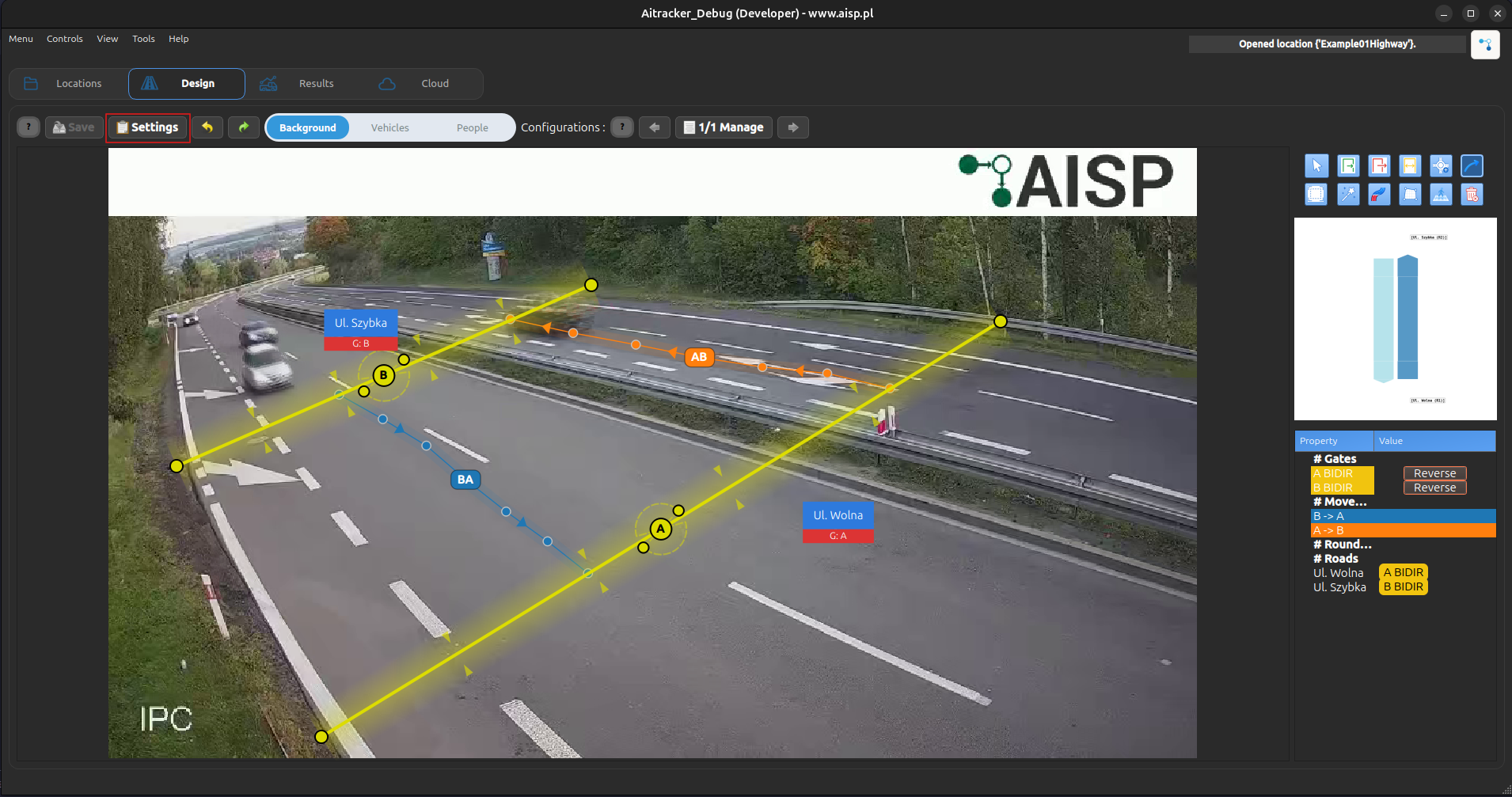
These settings are used to configure various options for that location
Service
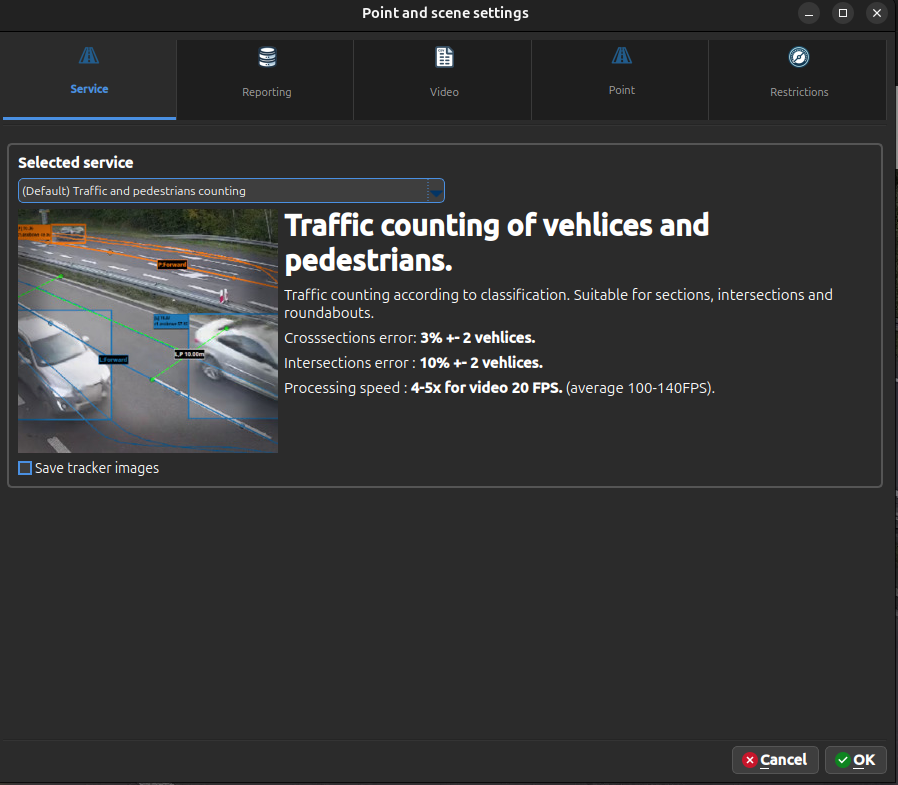
You can select one of the following services:
- Traffic and Pedestrian Counting – standard vehicle and pedestrian counting.
- ALPR and Traffic – vehicle counting combined with Automatic License Plate Recognition (ALPR). Read more in ALPR and Traffic.
- ALPR Parking Time Service – measures vehicle parking duration using license plate recognition. Read more in ALPR Parking Time Service.
- Video Anonymization – automatically anonymizes objects in the video. Read more in Video Anonymization.
Reporting
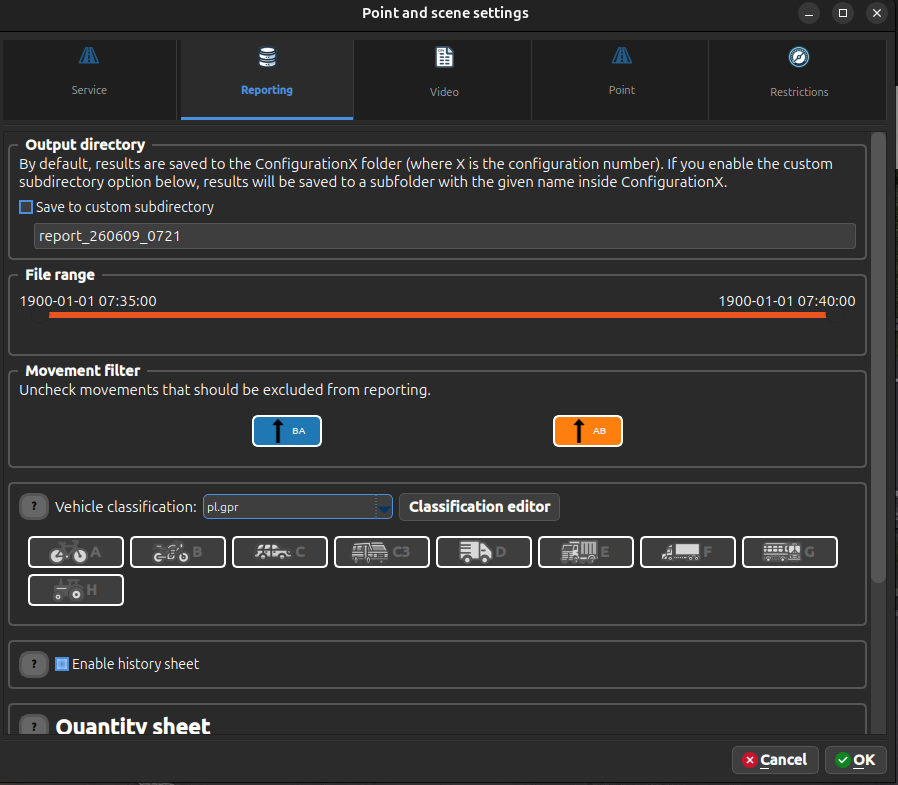
This section allows you to configure report generation options:
- Output Directory – specifies where generated reports will be saved.
- File Range – defines the time range (from–to) that will be included in the report.
- Movement Filter – allows you to exclude selected movements from reporting.
- Vehicle Classification – lets you select an existing vehicle classification or create a custom one for report generation.
- Enable History Sheet – when enabled, an additional history sheet will be included in the report.
- Quantity Sheet – allows you to select the grouping period and output format (CSV or XLSX) for quantity reports.
For more information about reporting, see the Reporting section.
Video
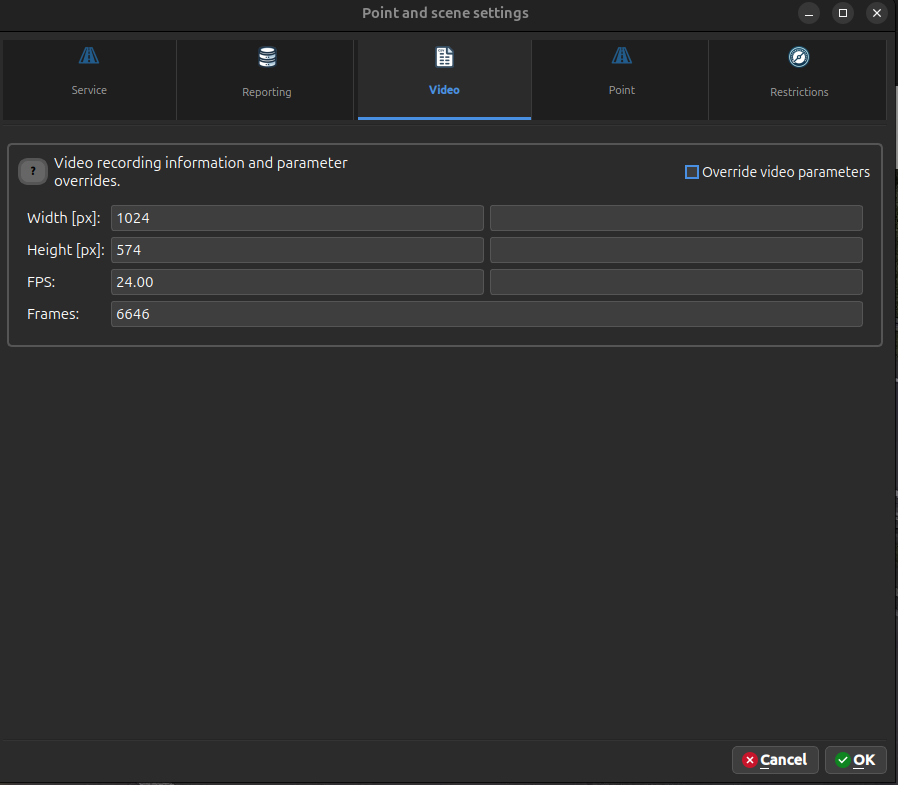
This section displays information about the currently loaded video:
- Width
- Height
- FPS (Frames Per Second)
- Number of Frames
These parameters can be manually modified. To use custom values instead of the detected video properties, enable Override Video Parameters.