Przejście dla pieszych
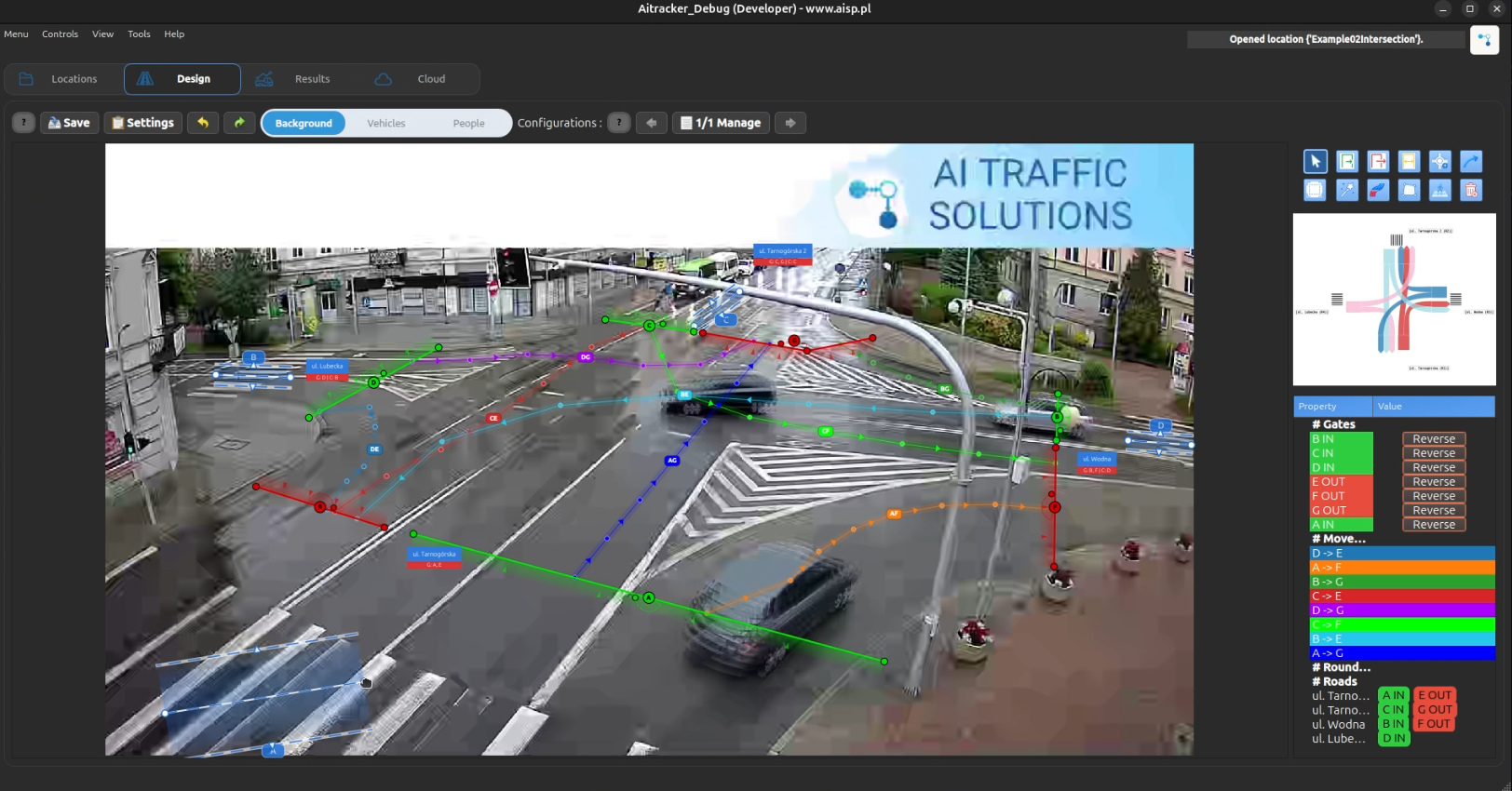
Przejście dla pieszych to obiekt projektowy używany do liczenia osób przechodzących przez zdefiniowany obszar dla pieszych w projekcie.
Używaj go, gdy musisz mierzyć ruch pieszy niezależnie od ruchu pojazdu, na przykład przy przejściach dla pieszych, chodnikach, przejściach w pobliżu skrzyżowań lub w innych miejscach, gdzie użytkownicy drogi ulegają zagrożeniu poruszają się przez zdefiniowaną strefę.
Kiedy używać przejść dla pieszych
Używaj przejść dla pieszych, gdy chcesz:
- Policzyć osoby przechodzące wybrany obszar.
- Oddzielić ruch pieszy od ruchu pojazdów.
- Zmierzyć popyt pieszy w pobliżu skrzyżowań, przystanków autobusowych, szkół lub obiektów publicznych.
- Uwzględnić wolumeny pieszych w raportach ruchu.
- Zgrupować przejścia z drogami w Projektowanie → Drogi, gdy przejście należy do określonego segmentu drogi.
Tworzenie przejścia dla pieszych
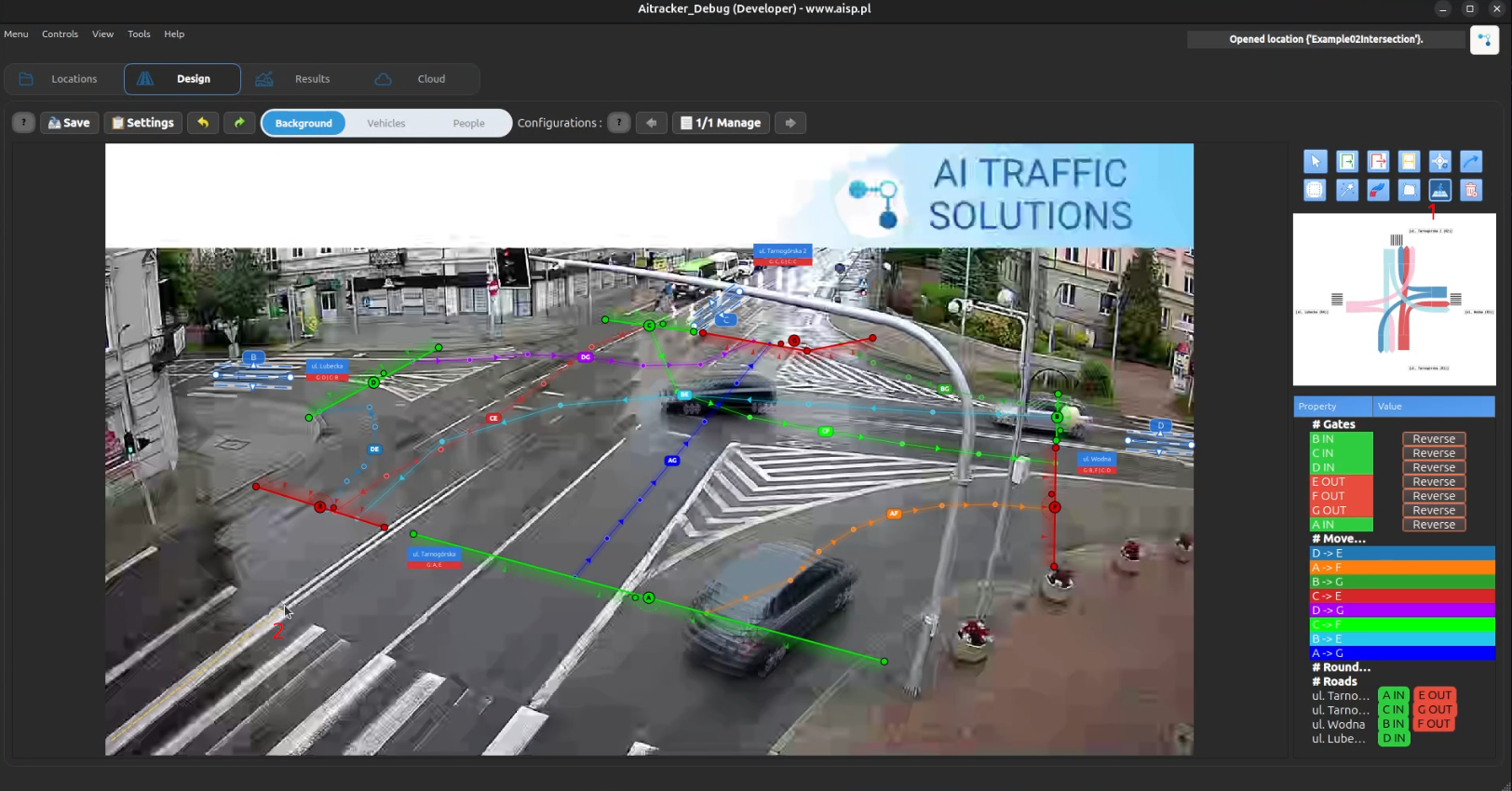
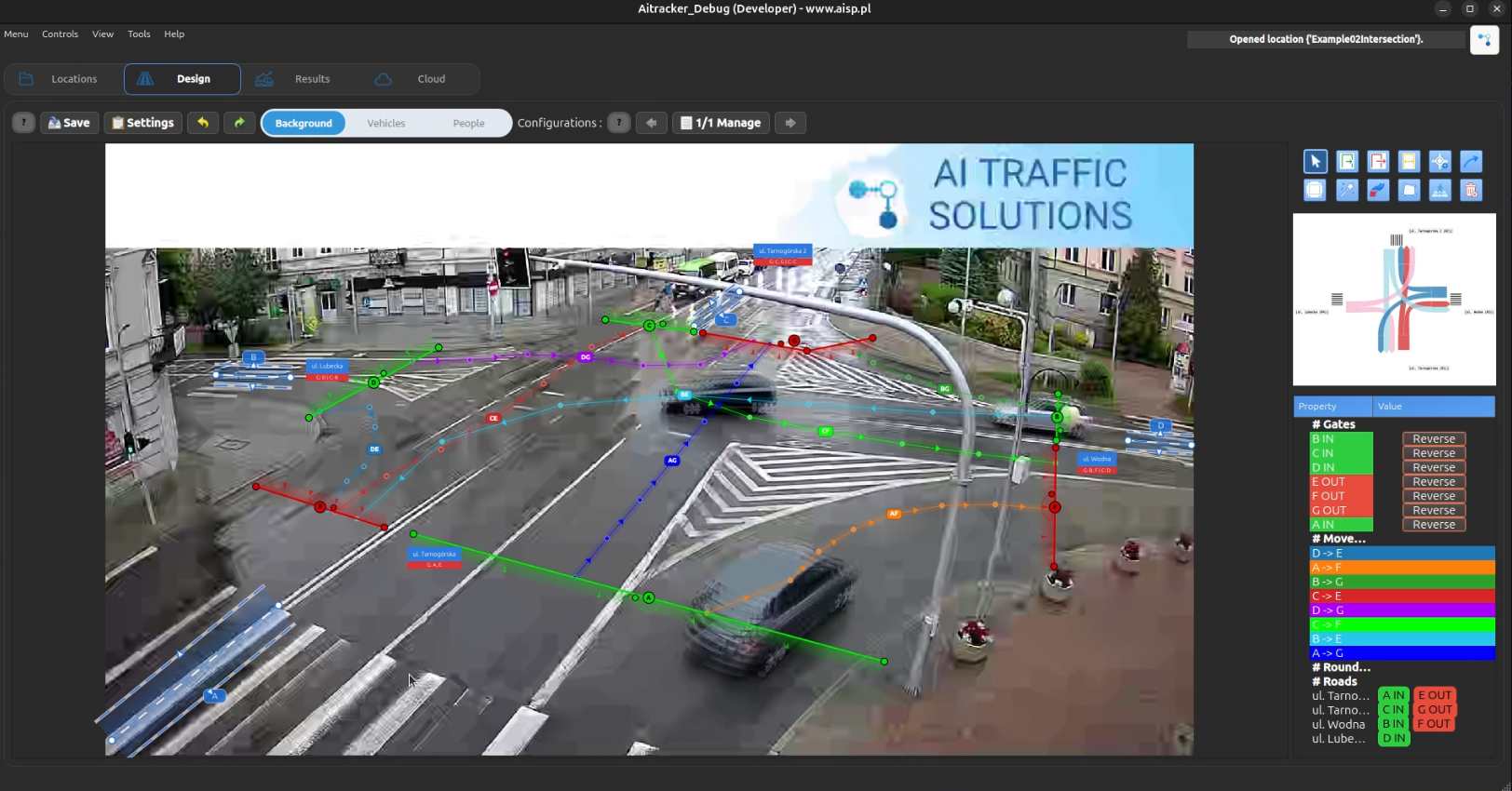
- Przejdź do Projektowanie → Przejścia dla pieszych.
- Kliknij Dodaj przejście dla pieszych.
- Narysuj przejście w rzeczywistej lokalizacji przejścia dla pieszych.
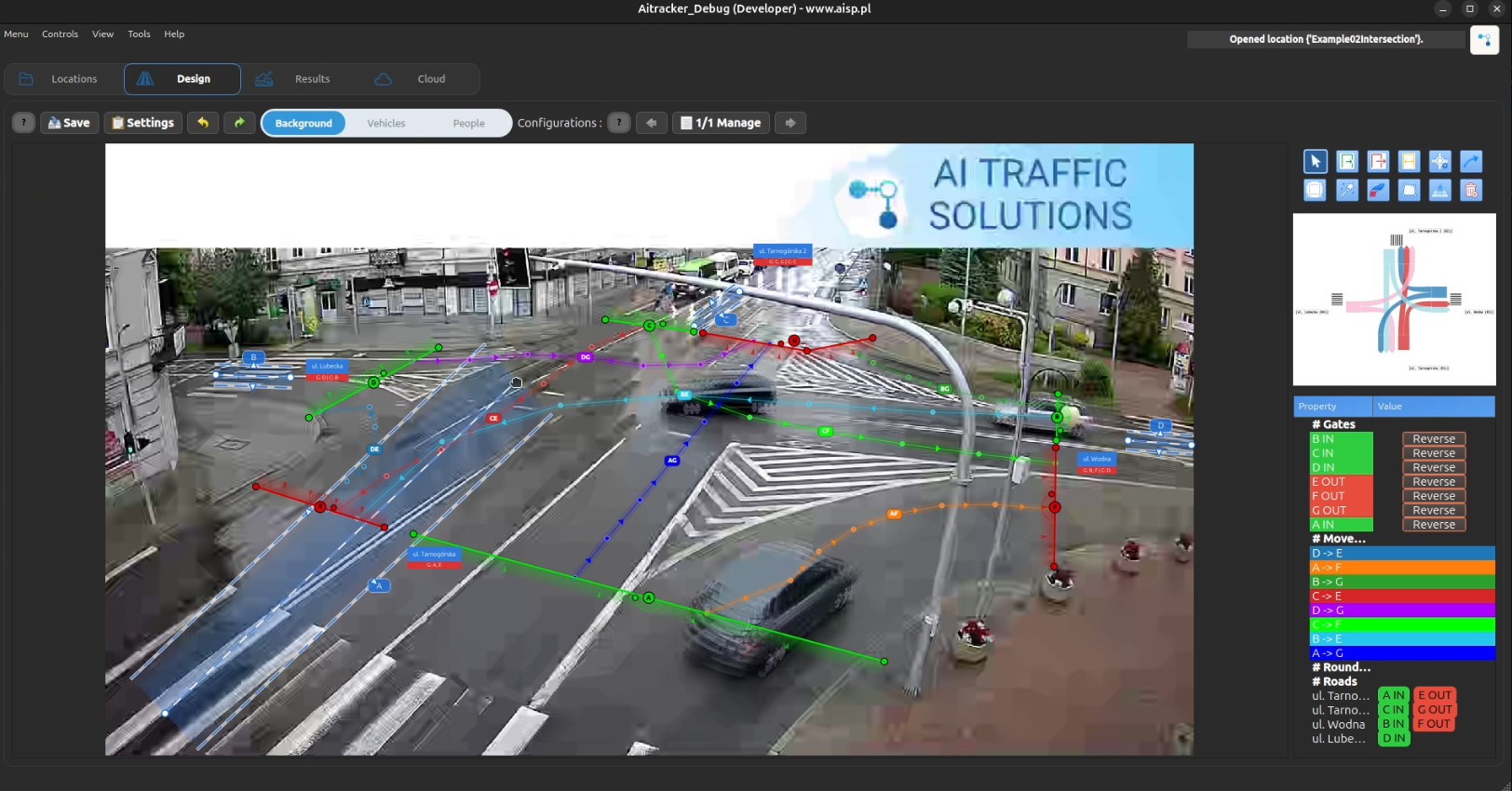
- Dostosuj kształt lub pozycję.
a. Rozszerz:
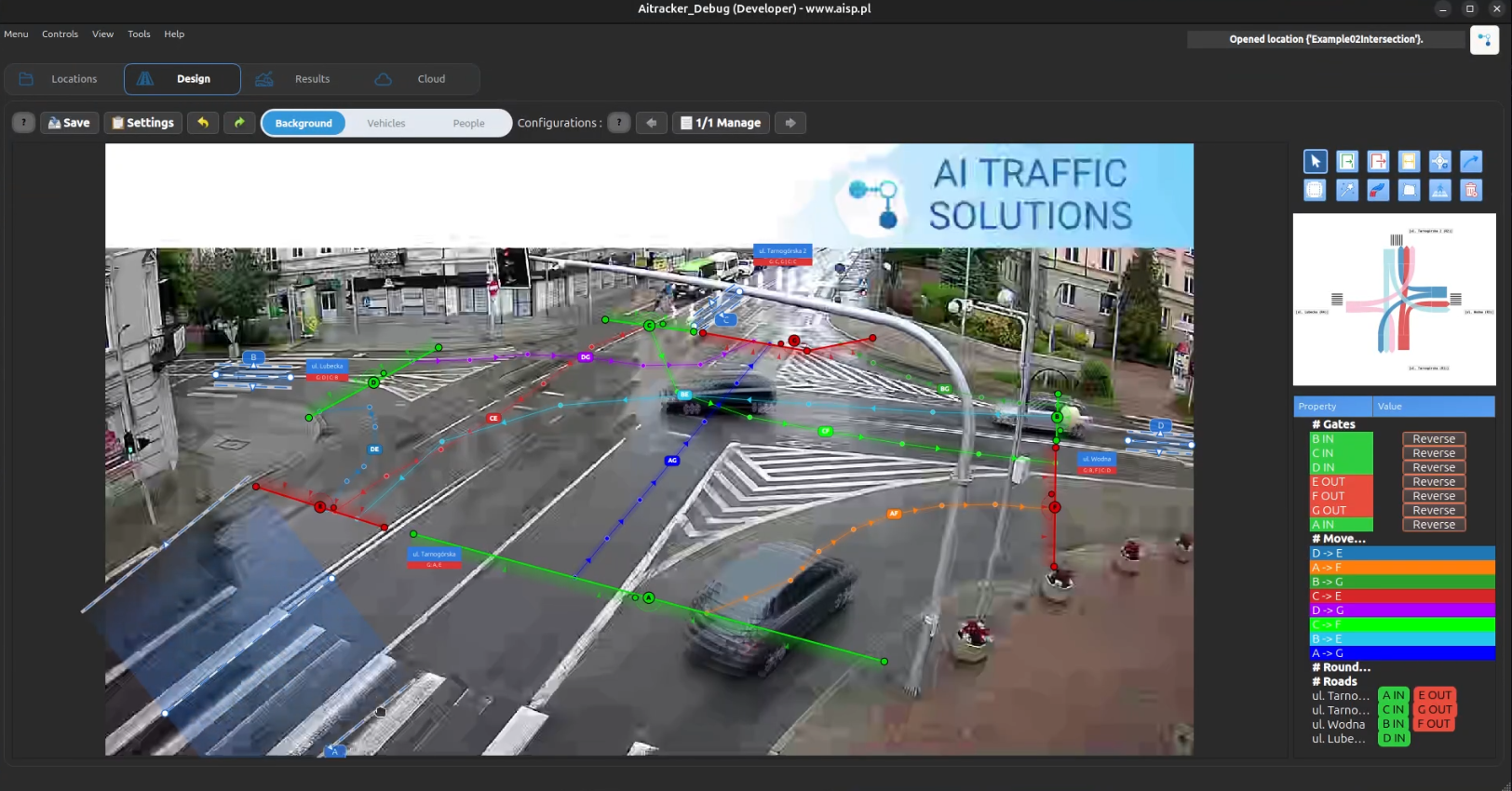 b. Obrót:
Najlepsze praktyki
- Umieść przejście tam, gdzie piesi są wyraźnie widoczni.
- Możesz je ułatwić, korzystając z trajektorii ludzi w trybie projektowania
Dodatkowe wskazówki dla przejść dla pieszych
- Otwórz menu karty przejścia w drzewie sceny i wybierz Modyfikuj filtr kategorii, aby wskazać akceptowane kategorie. Domyślnie wybrani są piesi, rowerzyści i użytkownicy mikromobilności, czyli dotychczasowy zakres przejścia.
- Filtr przejścia jest kopiowany do obu automatycznie utworzonych bramek. Wspólną listę zmieniaj na karcie przejścia.
- Pusta lista oznacza, że przejście nie zlicza żadnej kategorii. Przywróć domyślne odtwarza standardową listę uczestników przejścia.
- Przejście rysuj jako przekrój przez tor ruchu pieszych — wąski przekrój zwykle daje stabilniejsze wyniki niż szeroki obszar.
- Po dodaniu lub zmianie przejść uruchom reklasyfikację, bo bez tego piesi mogą pozostać bez przypisanych relacji.
- Przejścia możesz przypinać do obiektów dróg, aby były widoczne na kartogramie i w raportach.