User Registration - B2B Company Account
AITracker GUI uses a cloud-based processing system that requires a registered company account. This guide walks you through the registration process for creating a B2B business account.
New users receive 24 free hours of cloud processing for testing the system.
Click the "Sign Up" button in the Cloud tab. This will launch the Registration Wizard - a step-by-step guide to create your account.
Step 1: Account Credentials
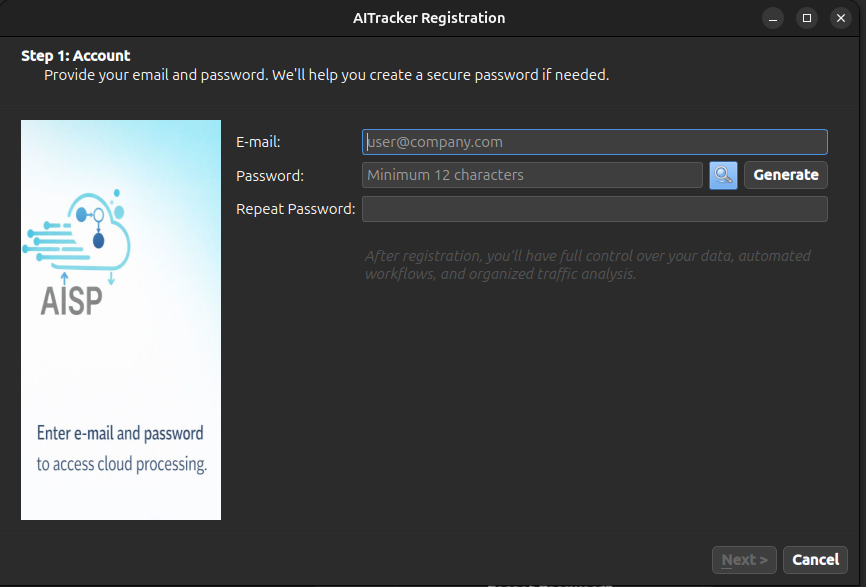
In the first step, you need to provide your login credentials:
| Field | Description |
|---|---|
| Your business email address (will be used for login and notifications) | |
| Password | Minimum 12 characters required for security |
| Repeat Password | Confirm your password |
Generate Secure Password
Click the "Generate Password" button to automatically create a strong, memorable password using the diceware method (e.g., orbit-snow-violin-paper-ember).
The generated password will be displayed in a secure dialog. Make sure to save it in a safe place before proceeding.
Step 2: Company Information
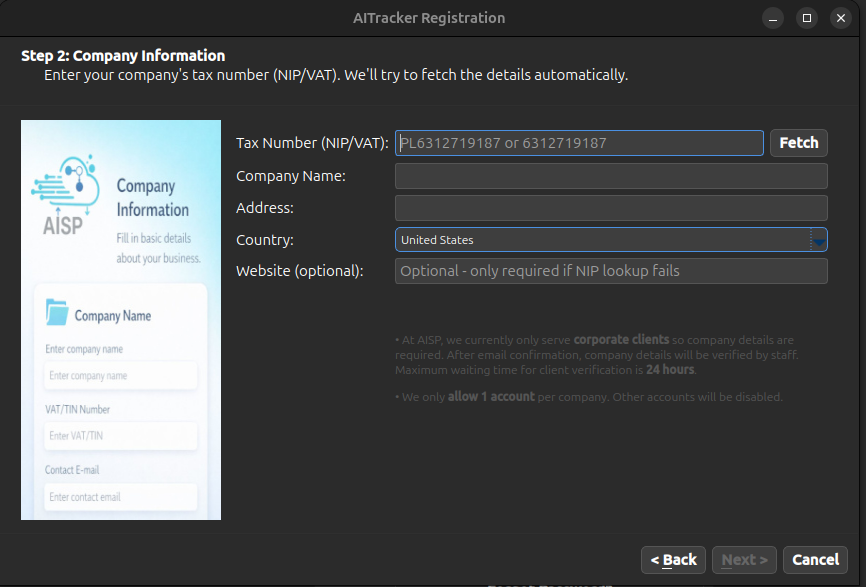
The second step collects your company details for B2B invoicing:
| Field | Description |
|---|---|
| NIP/VAT | Your company tax identification number |
| Company Name | Official company name |
| Address | Company address |
| Country | Country of registration |
| Website | Company website (optional) |
Automatic Company Data Lookup
Click the "Fetch" button next to the company VAT field to automatically retrieve your company data:
After successful lookup, the following fields are automatically filled: - Company name - Address - Country
If automatic lookup fails, you can enter the company data manually.
Step 3: Onboarding
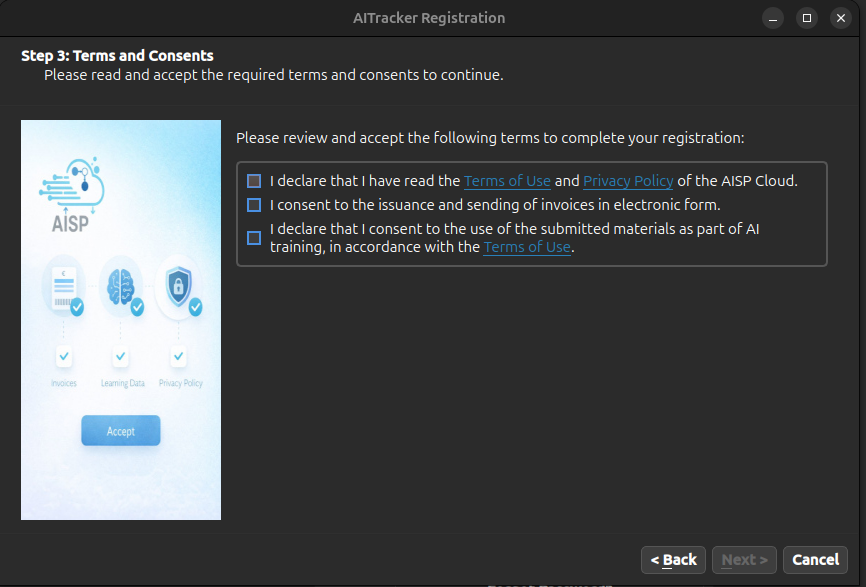
The final step provides helpful resources and next steps:
Useful Links
| Resource | Description |
|---|---|
| Documentation | Full system documentation |
| Tutorials | Video tutorials and guides |
| Website | Main AISP website |
| Support | Email support contact |
Troubleshooting
NIP/VAT Lookup Not Working
- Ensure you have an active internet connection
- Verify the NIP/VAT number is correct
- For Polish NIP: Enter 10 digits without dashes
- For EU VAT: Include the country prefix (e.g.,
PL6312719187) - If lookup fails, enter company data manually
Password Requirements
Your password must: - Be at least 12 characters long - We recommend using the "Generate Password" feature for maximum security